

Printing with Canva

Canva is a great tool for creating for digital assets. It can equally be used to look equally stunning on paper, but there are a few tricks of the trade which will make all the difference to doing justice to your creativity.
Step 1
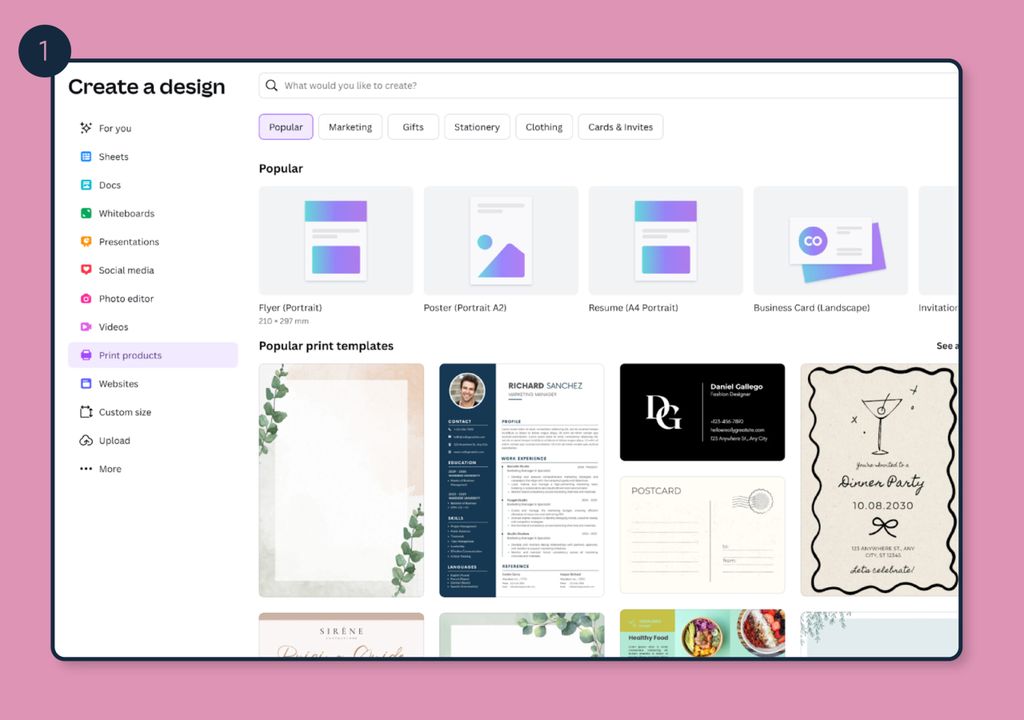
Click on the purple plus ‘Create’ option and select print products. If you are using a free account, it is important you select the right size now. Changing the size after this point would require the Pro account.
Step 2
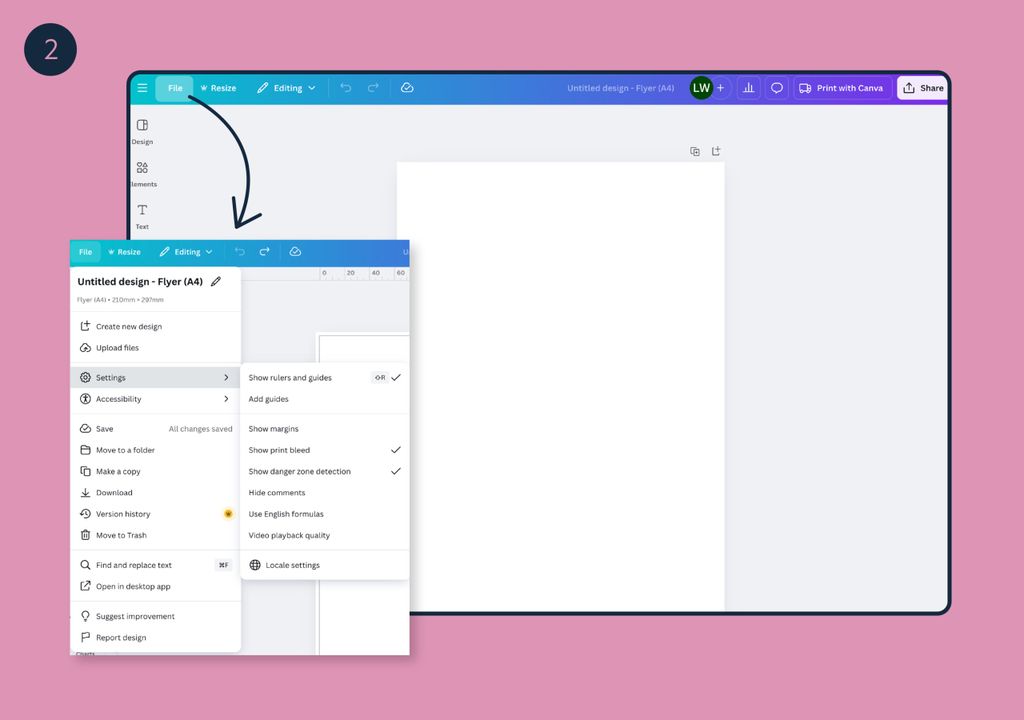
Click ‘File’ and then go to settings and make sure the bleed settings are selected. The page will now have an additional black line on the artwork. This is ‘the trim line’ – this isn’t printed, just represents where the guillotine operator will be bringing down the cutting blade. The white area outside of that is ‘bleed’ – if you want images to go right to the edge, you need to make sure it goes past this black line.
You can either use one of Canva’s templates or design your own artwork.
Step 3
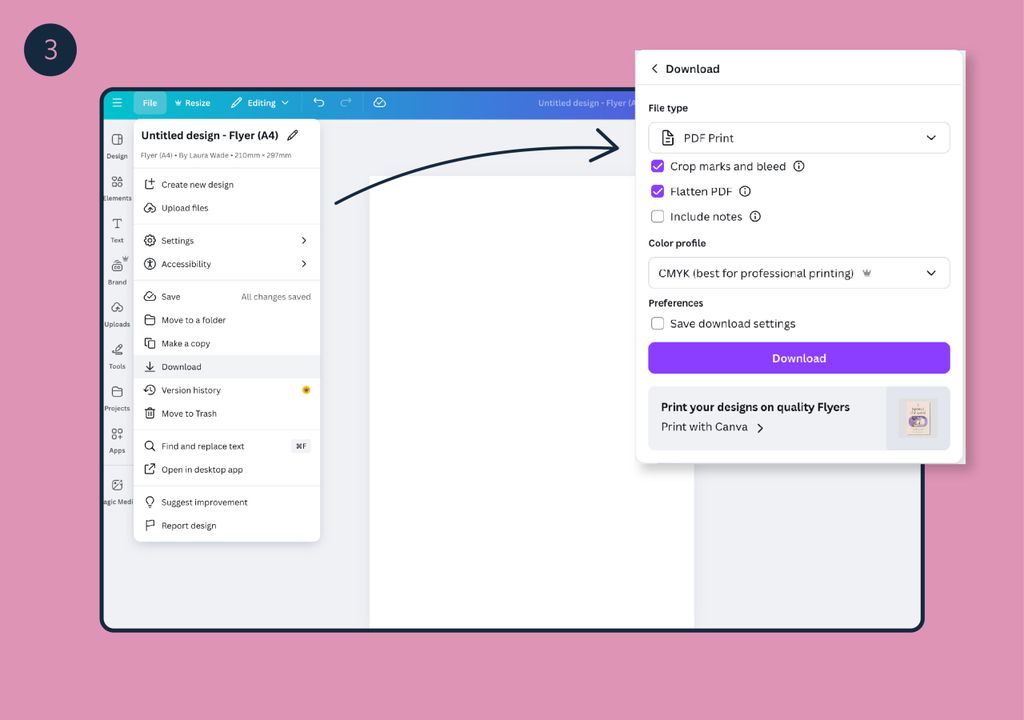
When you have finished your design, go to ‘File’ and select download. On the drop down for file type, you will need to select ‘PDF Print’ and make sure ‘Crop marks and bleed’ and also ‘Flatten PDF’ are selected. If you have a Pro account, it will give you the option to change the colour profile to ‘CMYK’, which is required for printing. If you have a free account, it will only give you the option for RGB. We can make the conversion at our end but please be aware, some of the brighter, more vibrant colours may shift a little when switched to CMYK for print. If in doubt, please request a printed proof.
We hope you find this helpful. For other information on artwork setup please take a look at our Artwork Guidelines page.
Other reads you might find interesting . . .
-
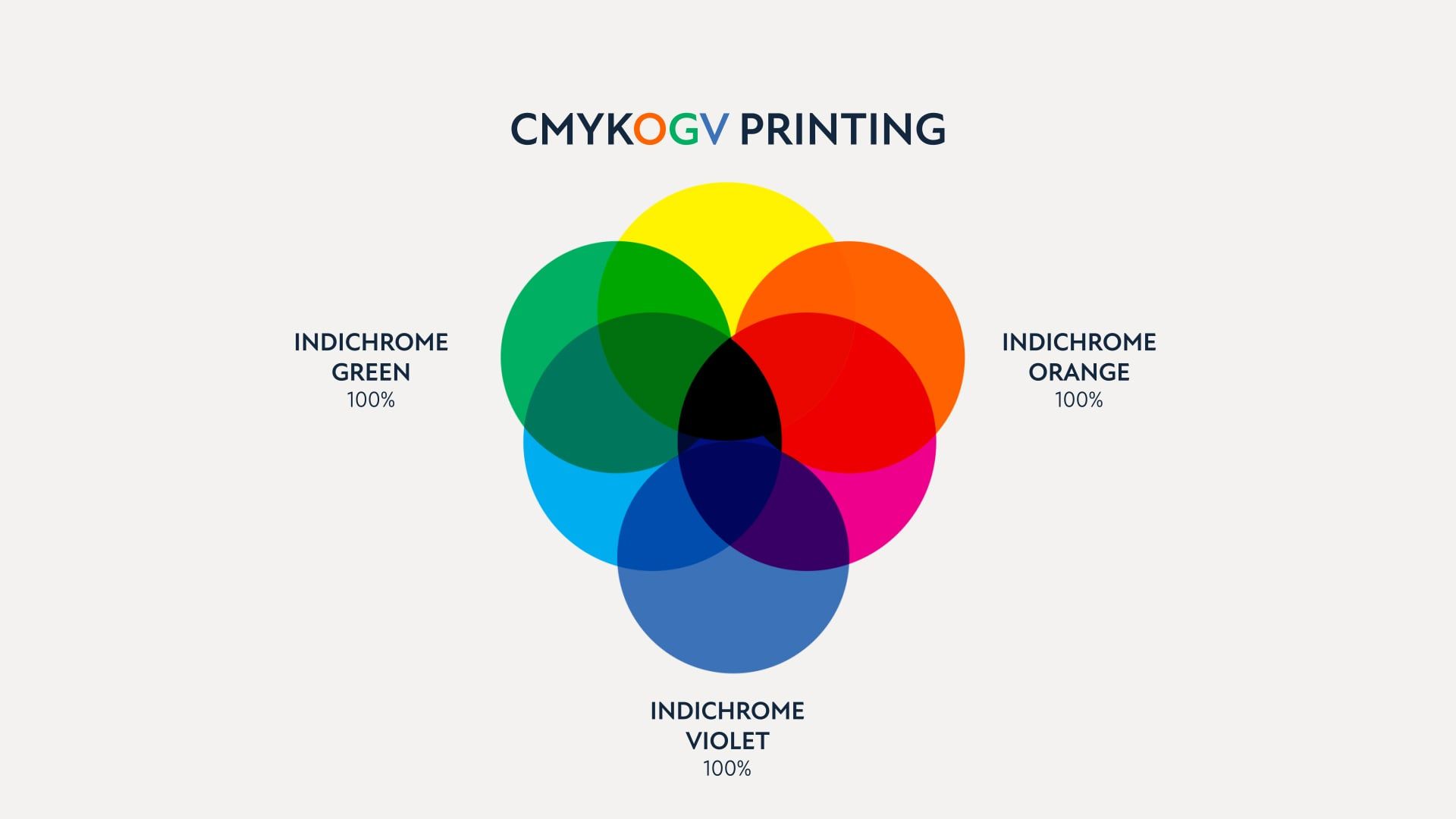
Pantone Emulation with HP Indigo IndiChrome
Pantone Emulation with HP Indigo IndiChrome Think of Cadbury and most probably you can visualise their distinctive purple brand colour (It is in fact pantone 2685C). The great thing about pantone colours is they are pure,
-
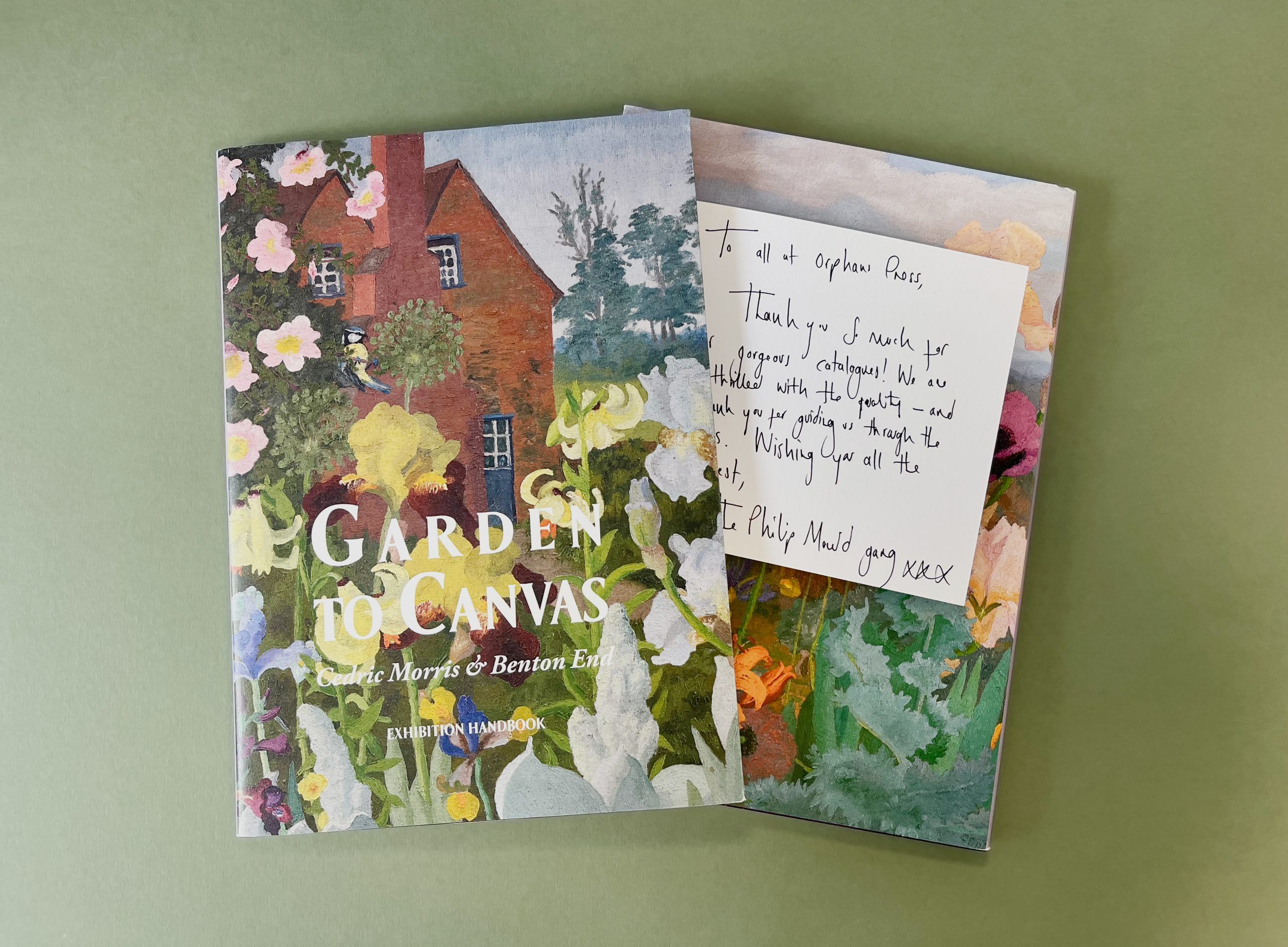
‘Just Beautiful’
In these days of customer reviews which look suspiciously familiar and automated, how nice is this! A beautifully handwritten note to thank our team for helping to produce a stunning catalogue for the Garden to Canvas:
-
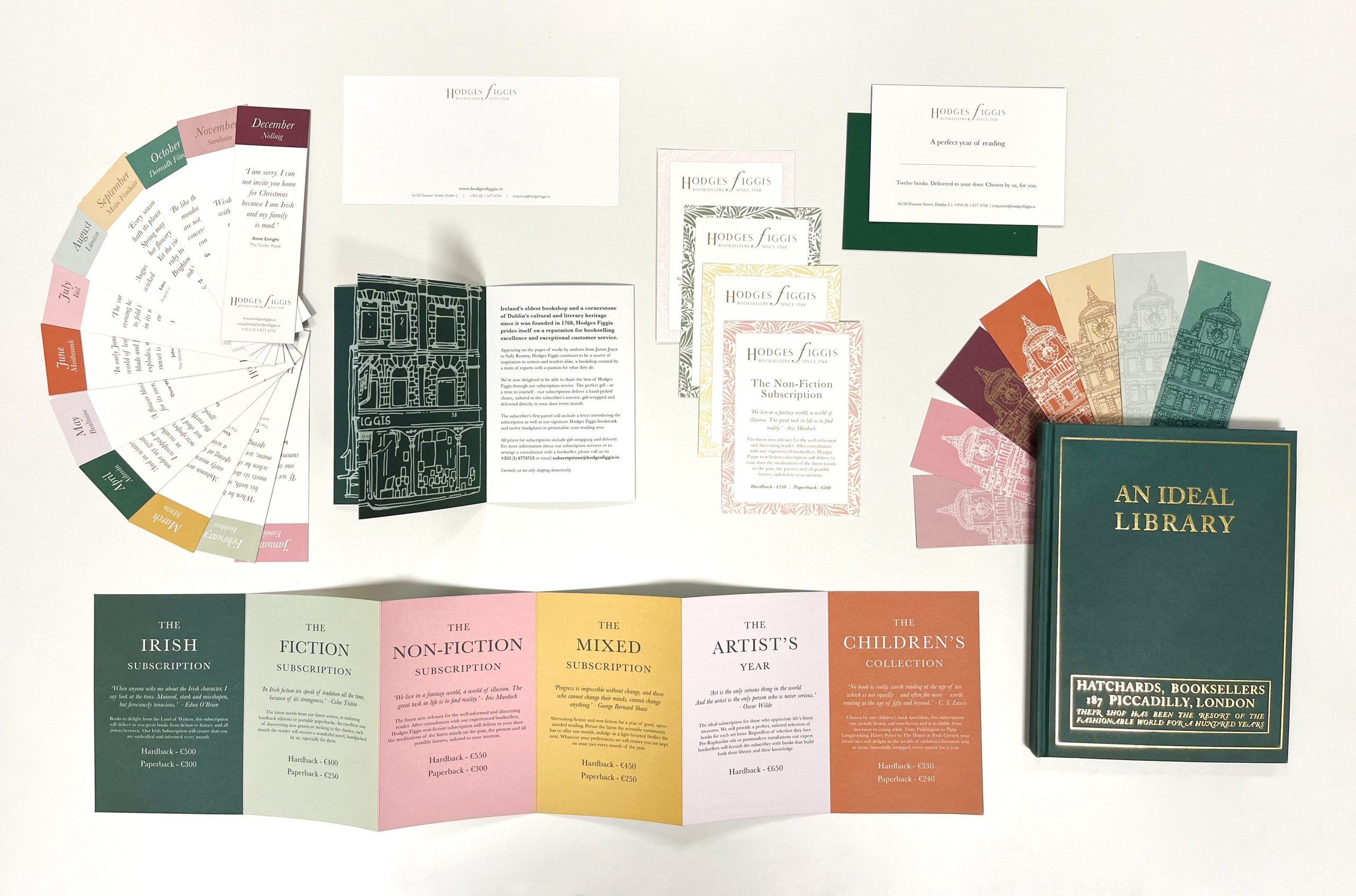
Stationery printing for Hodges Figgis booksellers
When Hodges Figgis bookstore in Dublin approached us with ideas for a print refresh, we jumped at the chance! Focusing on stationery and marketing materials, we got creative printing and designing a suite that was impactful